

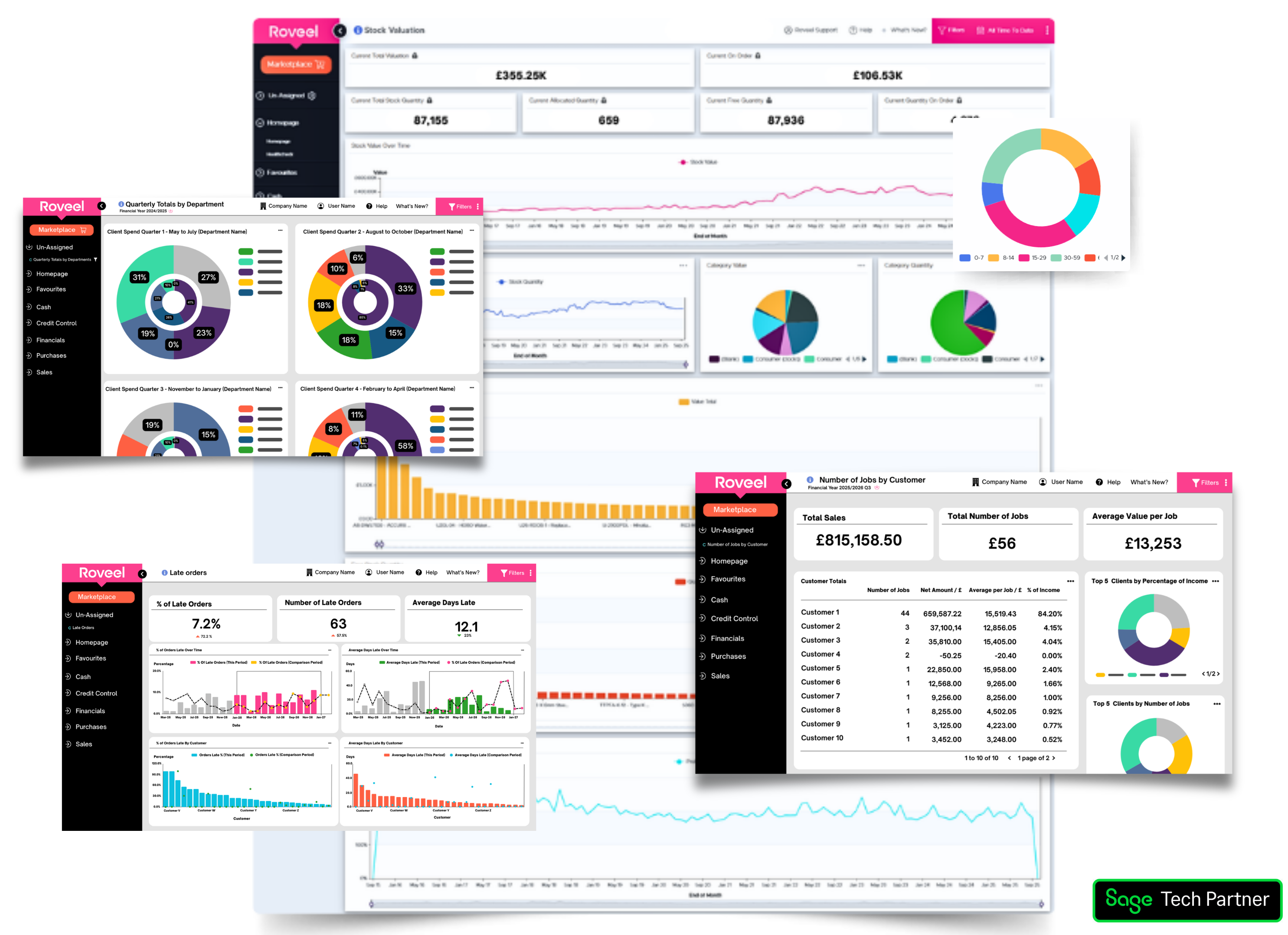

Roveel automatically synchronises your file when you first get set up and auto refreshes on a daily basis without the need to export or import any files manually.
Transform Your Sage Data into Actionable Insights


Seamless integrations that effortlessly transform your Sage data into clear, actionable visuals.


Make Sage
Insights Work
Intuitive dashboards and reporting tools for Sage Data.

✓ Mobile-Friendly Access
✓ No Manual Exports Needed
✓ Insights for the Whole Team
TRUSTED BY












marketplace
You can take your reporting to the next level with easy-to-use reports and dashboards. Some of the most popular add-ons include:
Get a quick snapshot of your customer’s financial status and activity in an easy-to-read PDF format.
Gain a comprehensive view of your company’s financial health with this detailed PDF report.
This consolidation feature allows multi-entity groups using different accounting platforms to bring together data, working across Sage 50, Sage Accounting, Sage 200.
Take control of your data synchronisation with Roveel’s Manual Syncs feature. Trigger mappings on your own schedule, receive real-time feedback, and enjoy customisable notifications, all designed to streamline your financial reporting process.
Access a rapid overview of your supplier’s account status and transaction history in a convenient PDF format.
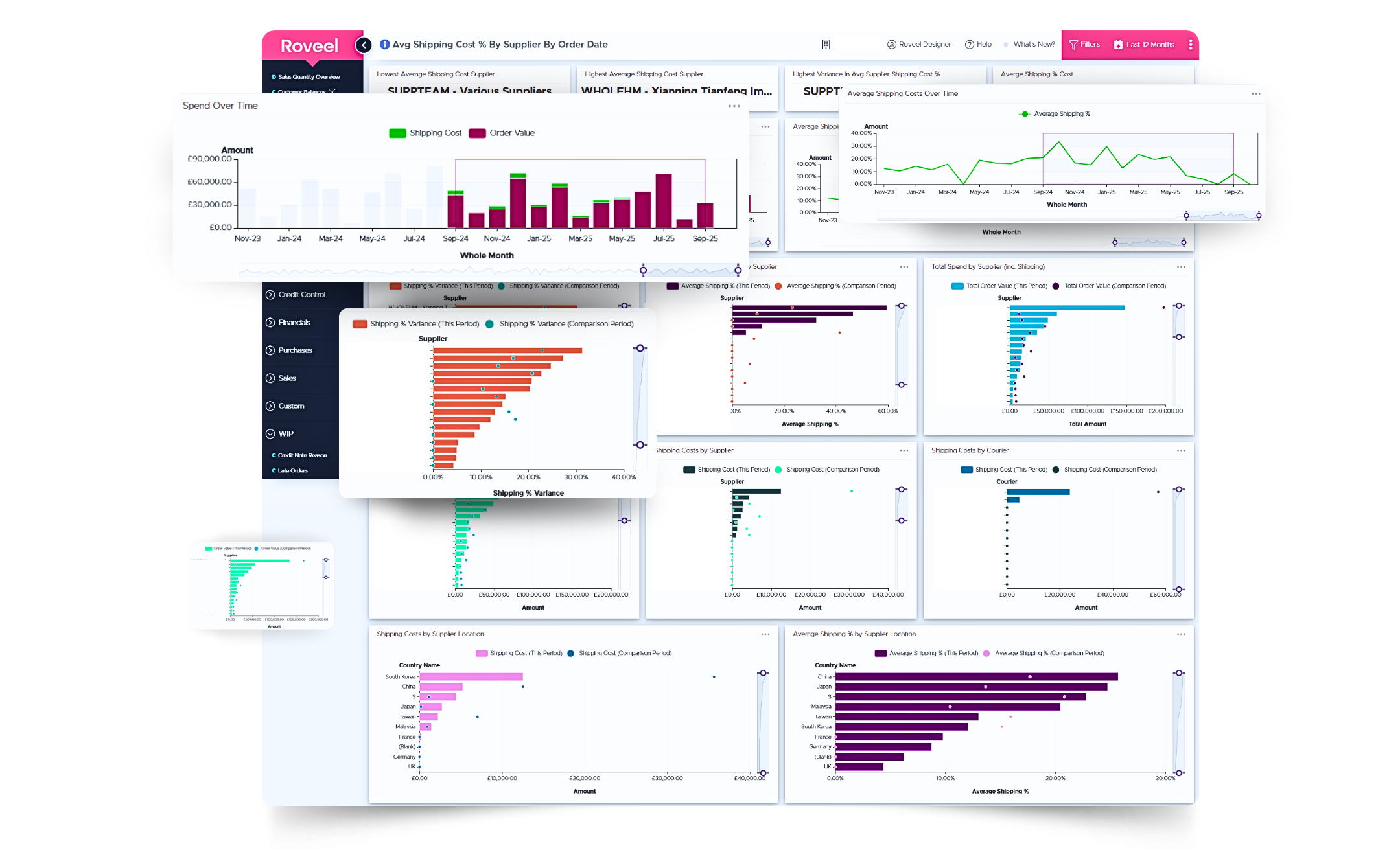
Cloud-Powered Flexibility
Access your Sage data anytime, anywhere on any device with Roveel’s secure cloud-based dashboards.
✓ No Card Required ✓ 14 Day Free Trial ✓ Plug-and-play


Customer Success Story
Roveel is just the right package for Sandland
“It was starting to feel like we were almost running the business blind”
“Through the Roveel dashboard I can see an instant snapshot of any aspect of the business position.”
What our customers say
-It’s a no brainer.
-Does what Sage can’t.
-Easy to read data.
-We saved time & money.







What our customers ask
Roveel automatically synchronises your file when you first get set up and auto refreshes on a daily basis without the need to export or import any files manually.
Yes, simply log in, click on your company name and select the "+" symbol.
We offer a full design, build and deploy process, personal to your business. Email your requirements to us at [email protected]
Roveel is a responsive web application which can be accessed on your desktop, laptop, mobile or tablet. The web address can be bookmarked into your favourites and a shortcut created as an “app” on your mobile / tablet device. See our help article here.
We offer email and telephone support during normal working hours - 9am to 5pm GMT (Monday to Friday). If we are busy, please leave a message and one of the team will contact you. We also have a help desk library containing many useful articles to answer your questions: roveel.zendesk.com

Discover the impact Roveel can have on your business. Get your free 14-day trial today.
Vibrant, insightful & drill-down cloud based dashboards for Sage and Xero. Improved decision making in an instant.




Copyright © 2026 Roveel.com. All rights reserved.
To provide the best experiences, we use technologies like cookies to store and/or access device information. Not consenting or withdrawing consent, may adversely affect certain features and functions.